Product tour · The working application
Follow the work.
All the way to publication.
One ServiceLedger demo package, from its system description to its permission-controlled trust center. Every image below comes from the current application.
Screens captured from the working application on October 2, 2026. Alderwick Software / ServiceLedger is an entirely fictional demo scenario; people, architecture, safeguards and results are fictional. No customer relationship, assessment or certification is implied.
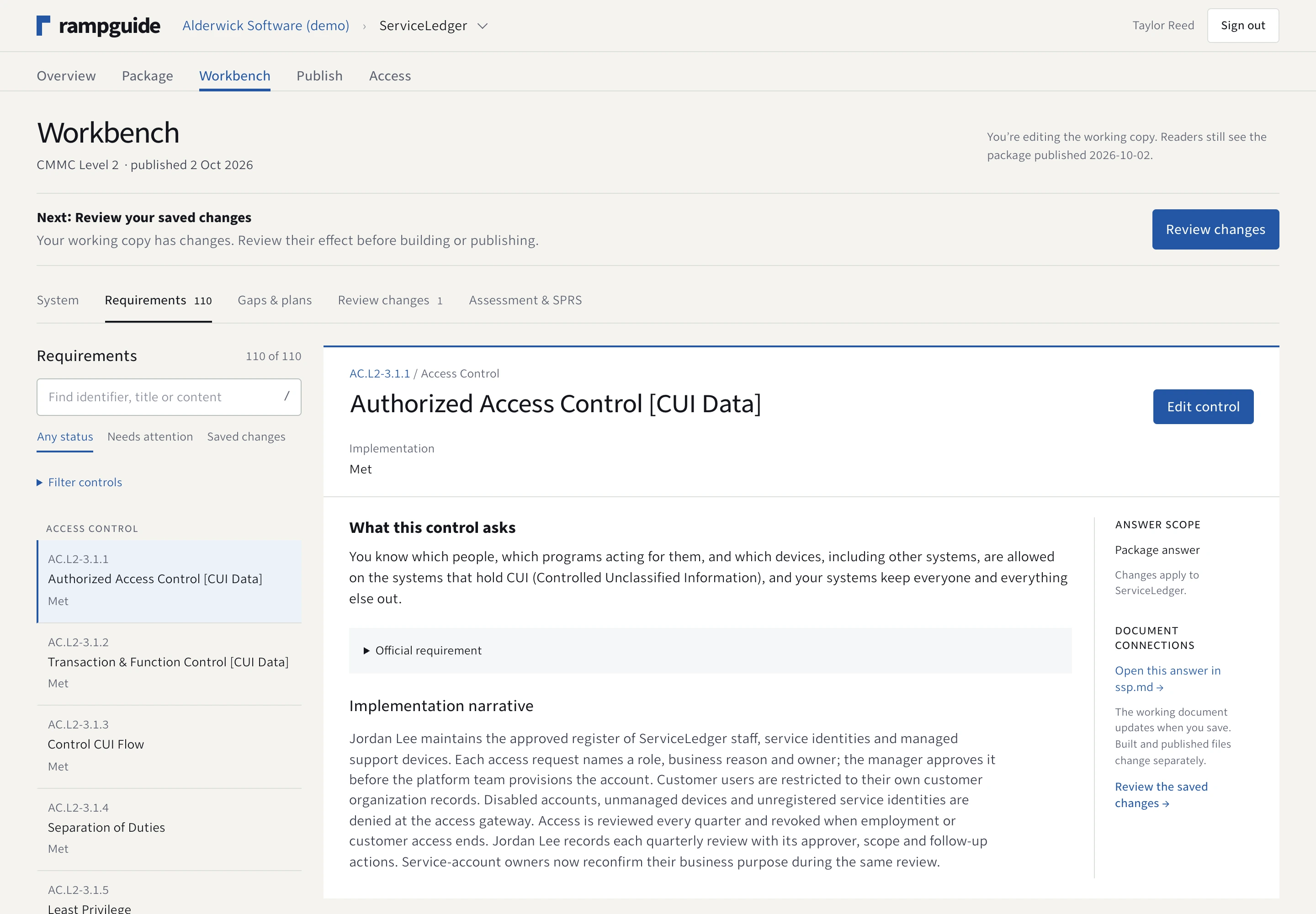
01 / Guided preparation
The requirement. Your answer. The document it feeds.
Move through a searchable requirement queue without losing the answer you’re editing. Guidance stays beside the work, and document links make the result tangible.
02 / System context
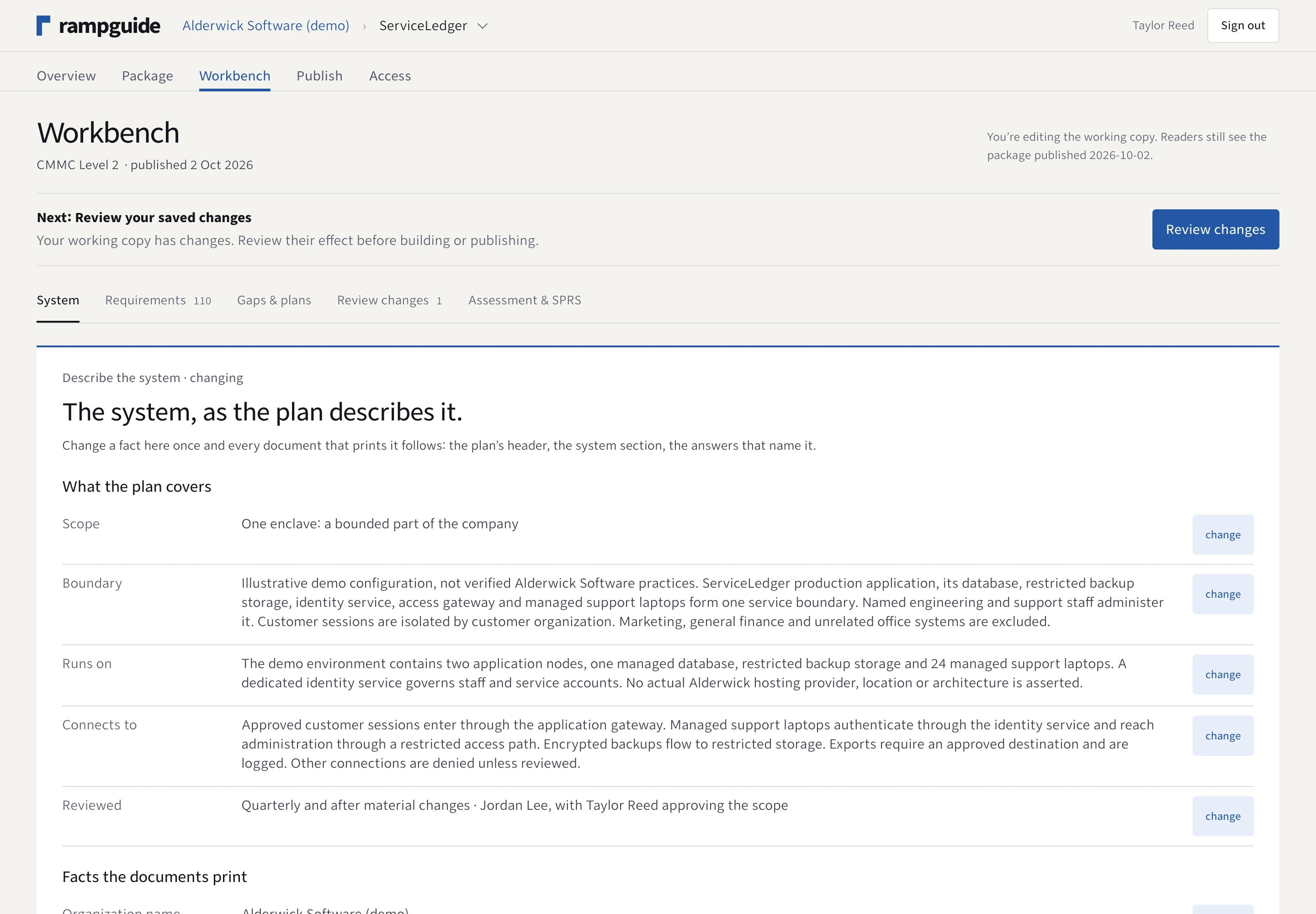
Start with the system you actually mean.
Describe the boundary, environment, connections and review schedule. Confirm that description before treating the system security plan as answered.
03 / Honest preparation
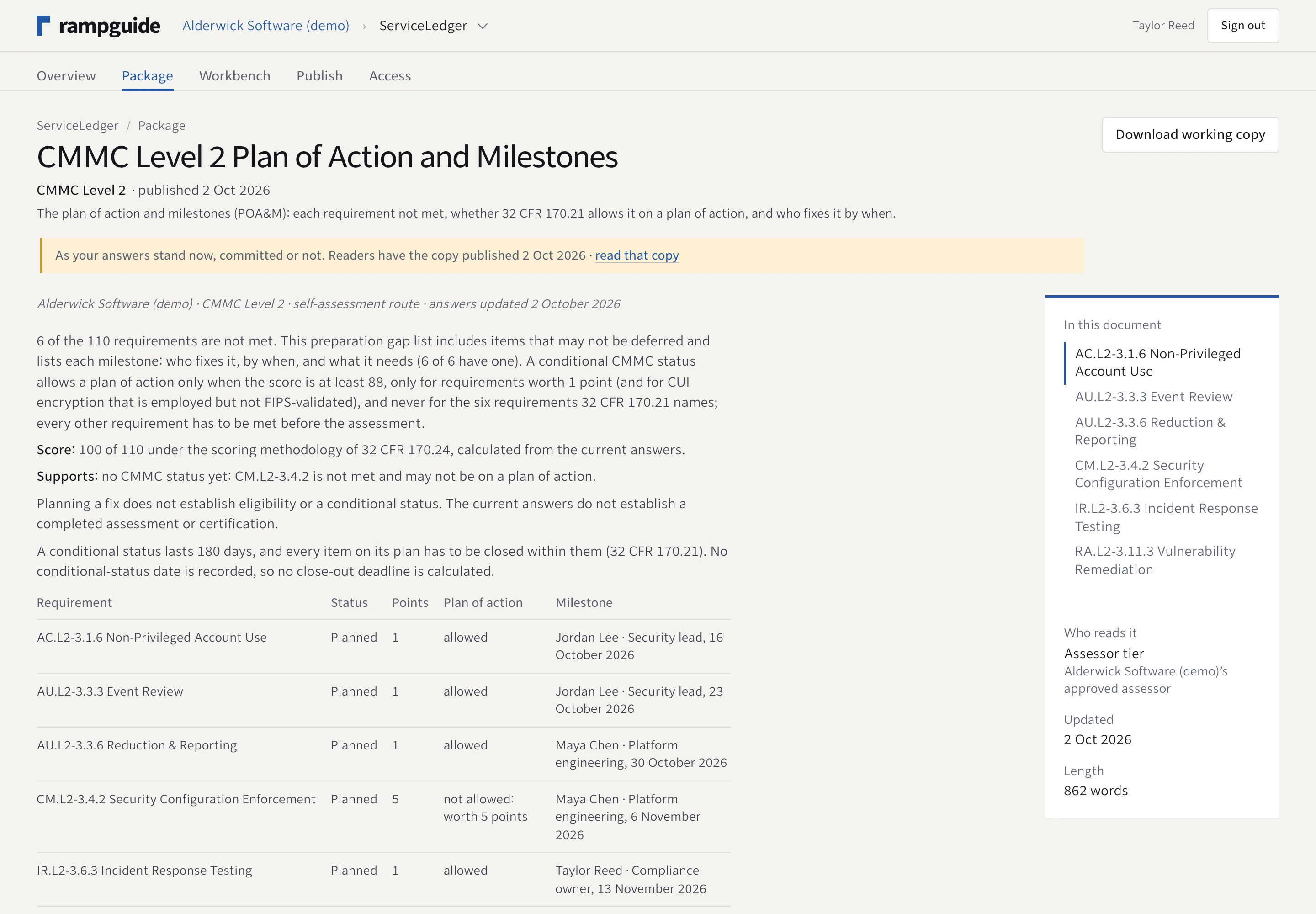
An answer can be complete. The work can still be open.
Record missing safeguards and give each gap an owner, a date and a corrective plan. Calculated readiness helps organize preparation; it is not an assessment result.
04 / Review and release
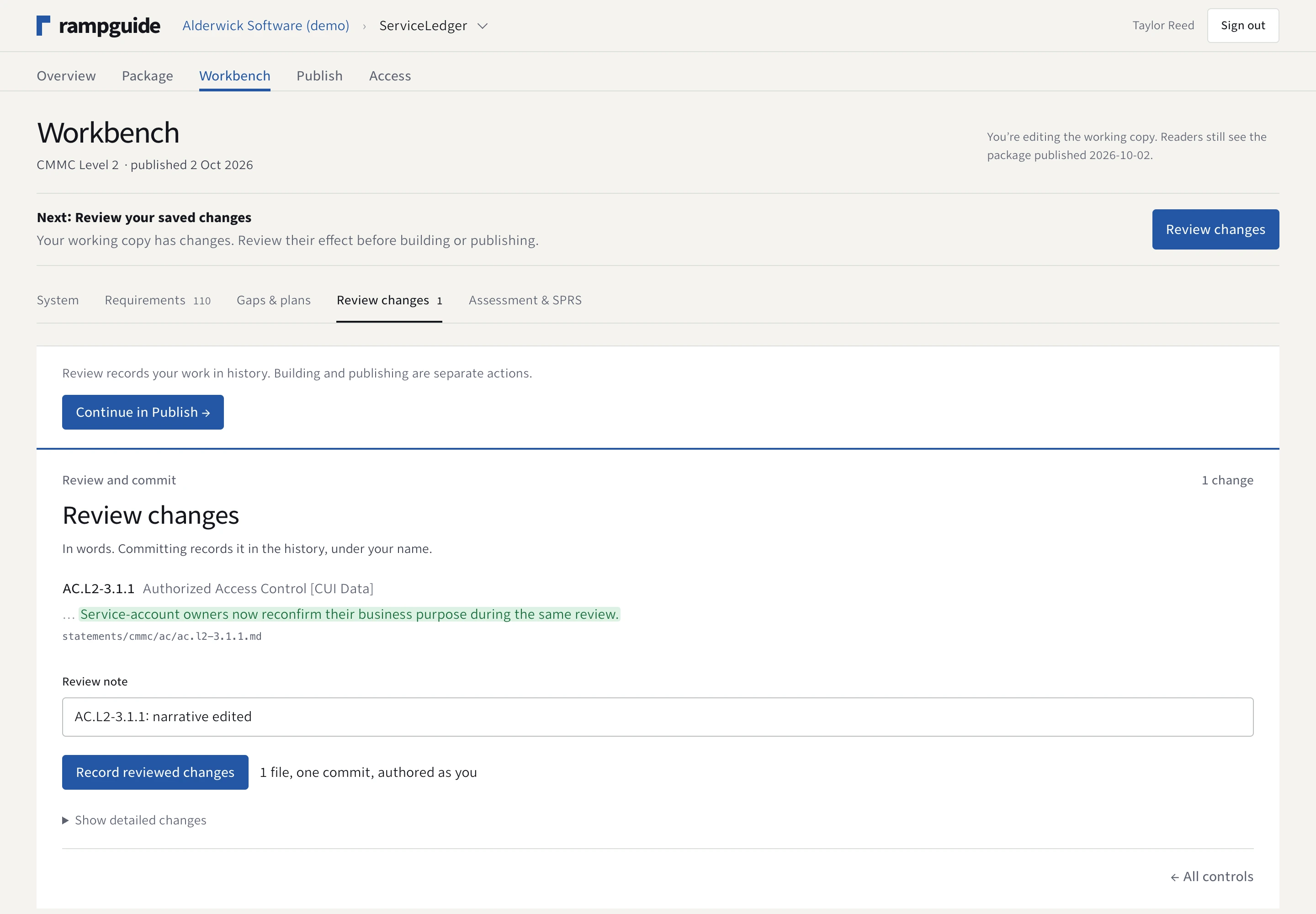
Know what changed before readers do.
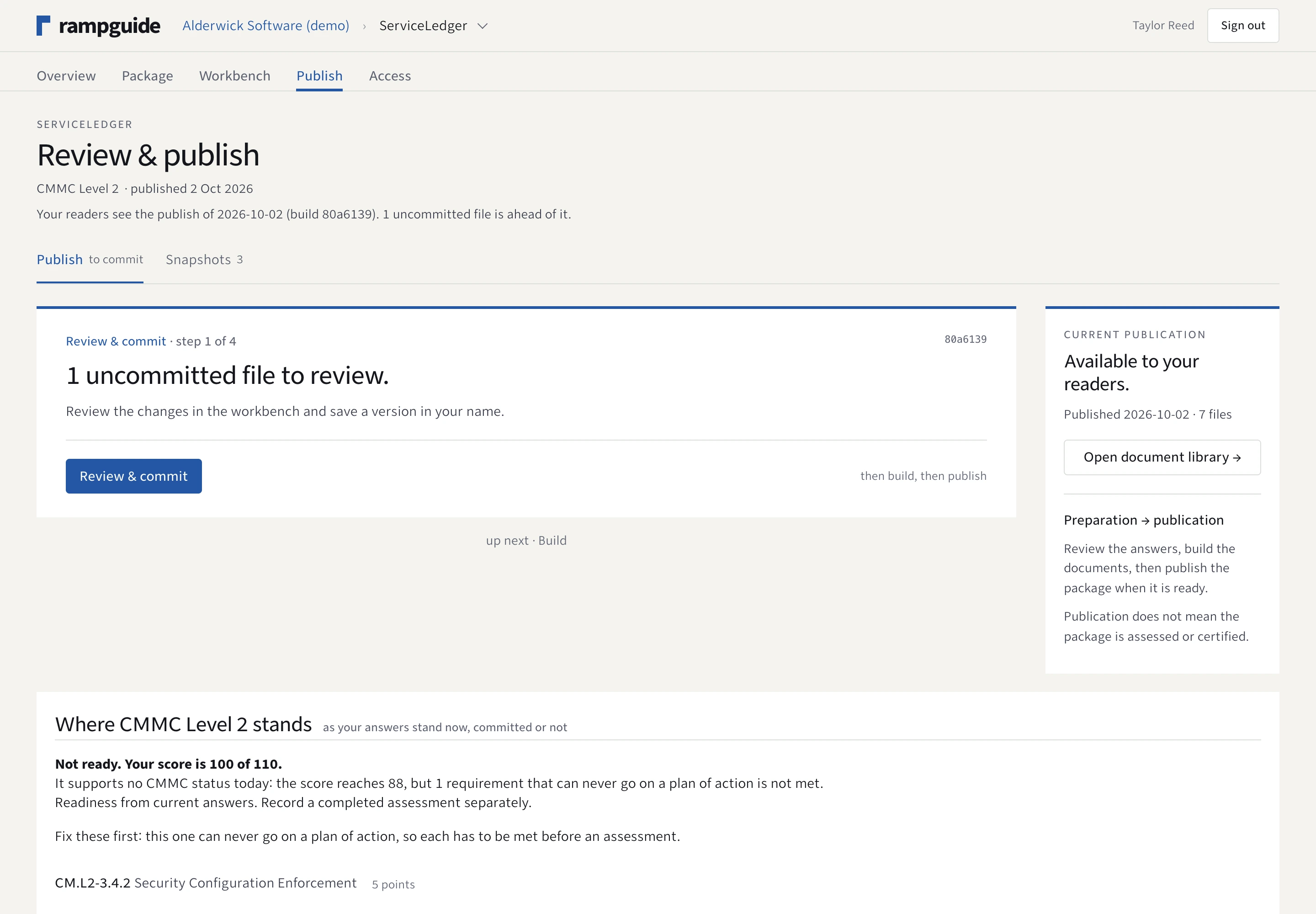
Review the saved change to an implementation answer and record it in history. Building and publication are separate actions on the Publish page.
05 / Explicit publication
The owner chooses the edition to share.
See the relationship between working changes, the built package and the published edition. Preserve snapshots of published material for later reference.
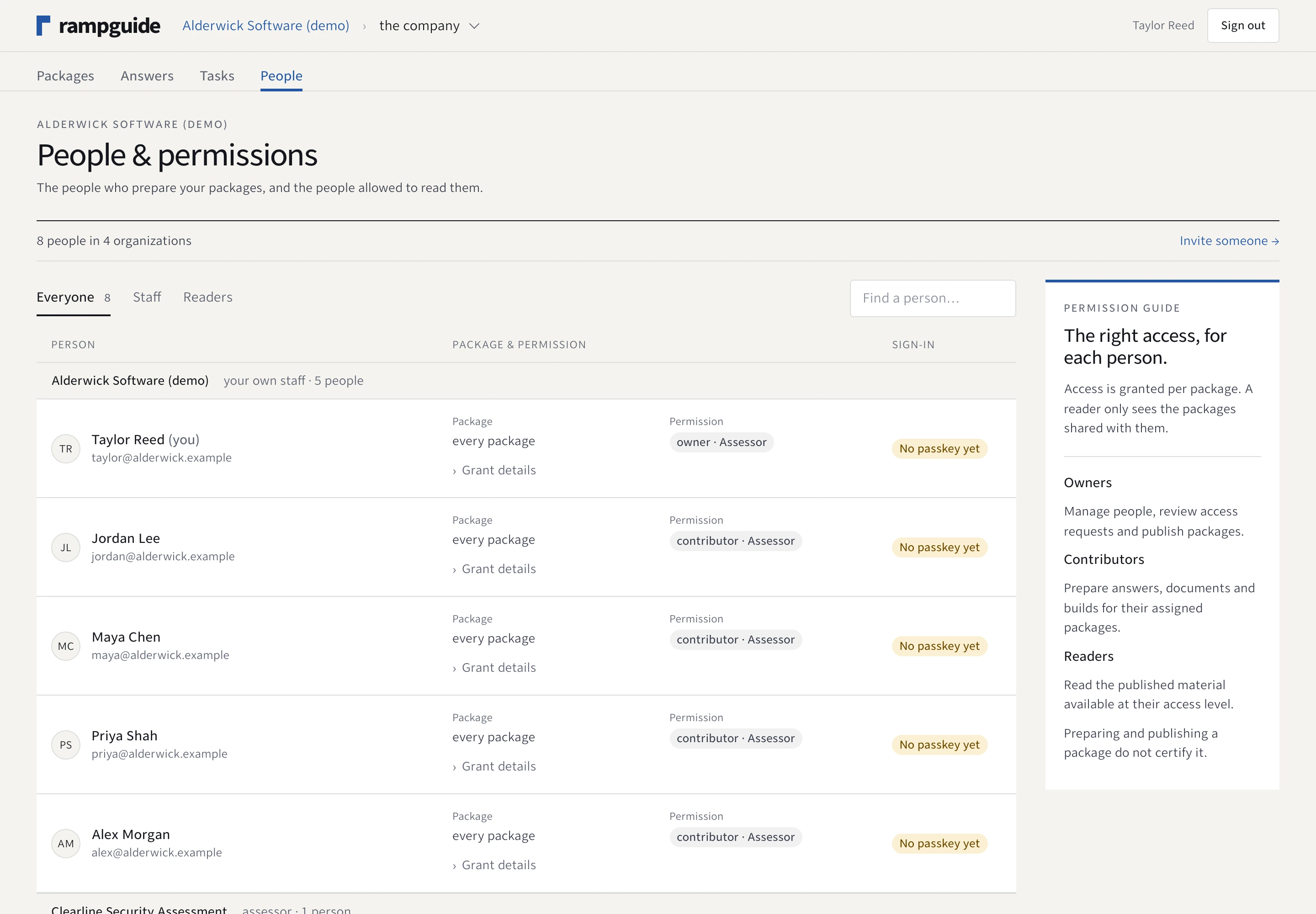
06 / People and permissions
A role for the work. A tier for the documents.
Invite the people who prepare the package and the readers who need it. Staff permissions and external reading access are separate decisions.
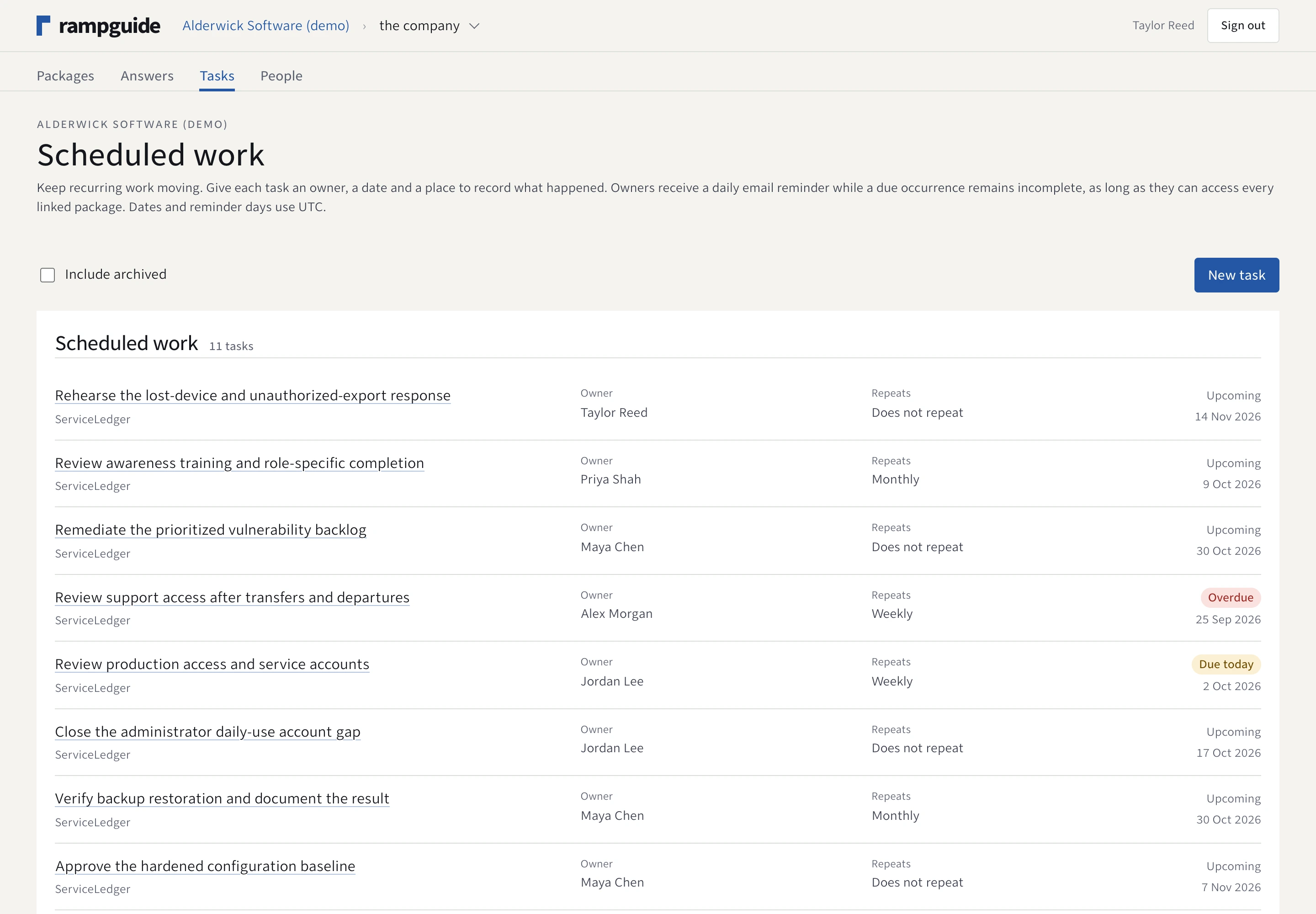
07 / Ongoing work
Keep follow-up out of someone’s inbox.
Assign one-time or recurring tasks, link requirements, and record outcomes. A finding can become corrective work without quietly changing a published answer.
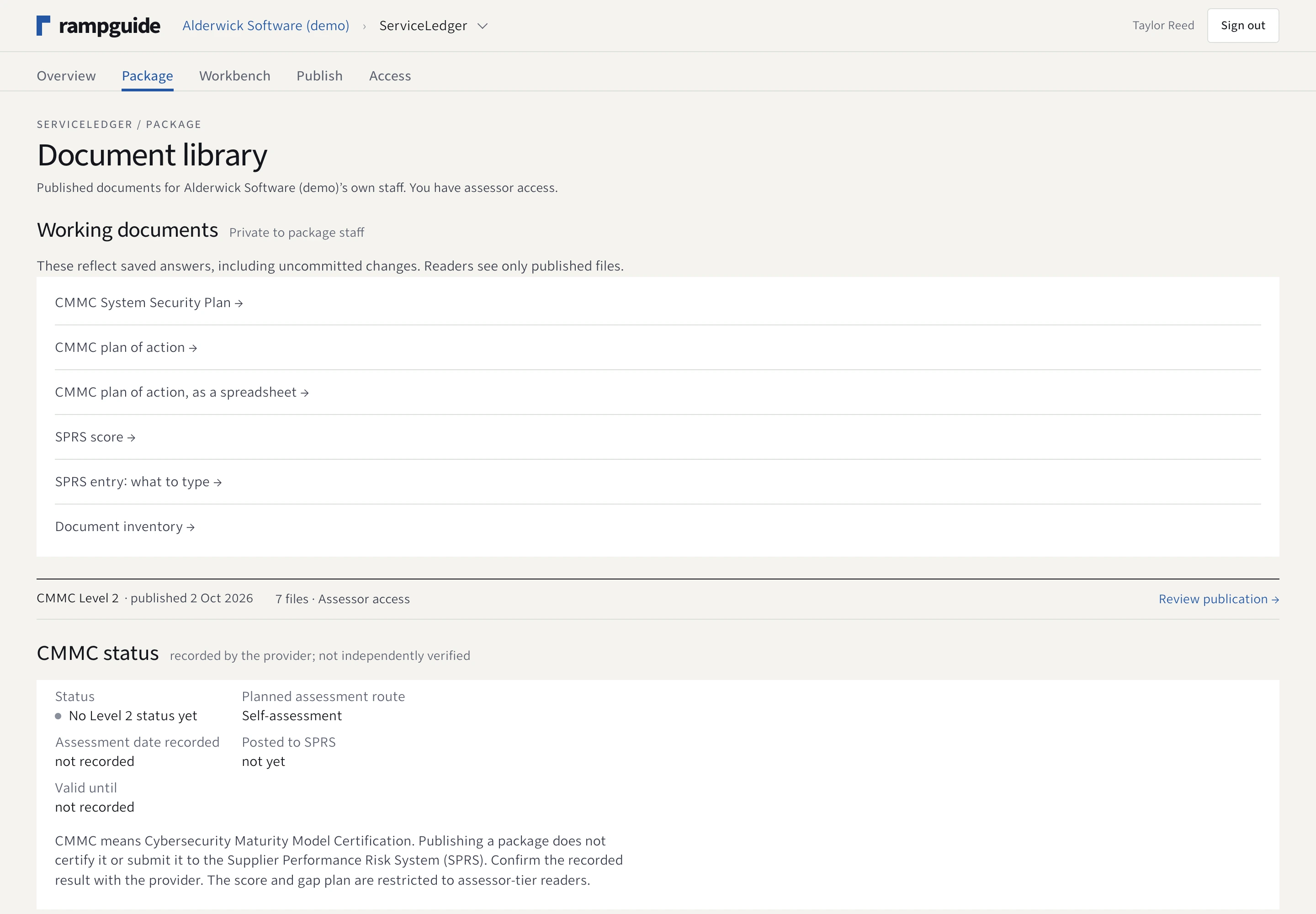
08 / Documents
A library people can actually review.
Open the generated documents and machine-readable files your access tier allows. Read the current published edition or return to a frozen snapshot.
The same work, on a smaller screen
Pick a requirement.
Stay with the answer.
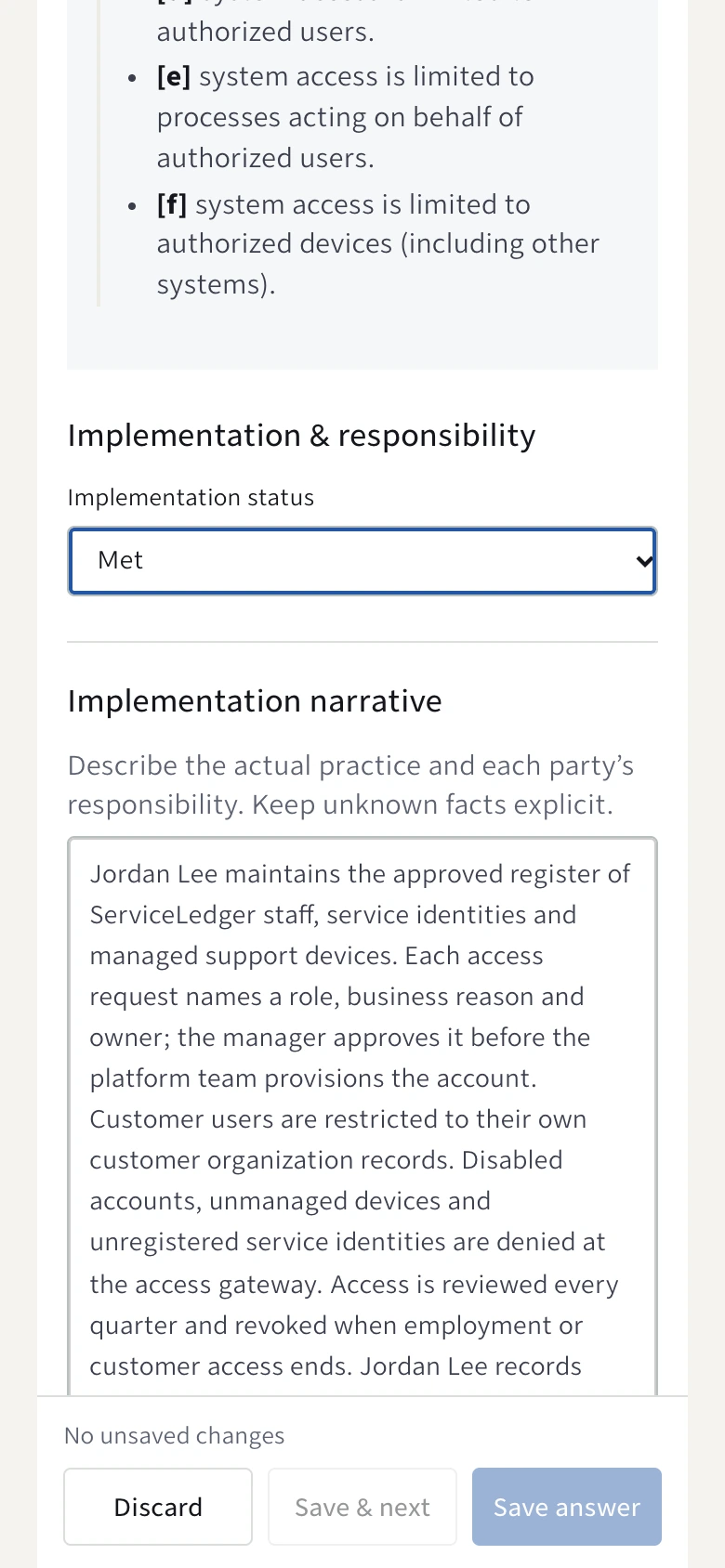
On mobile, the queue and answer take turns using the screen. Your working context, implementation status and save actions remain available.
Actual 390 px mobile viewport. No separate demo interface.
From answers to a published package